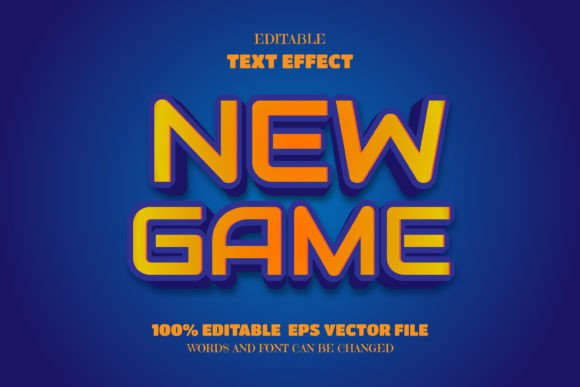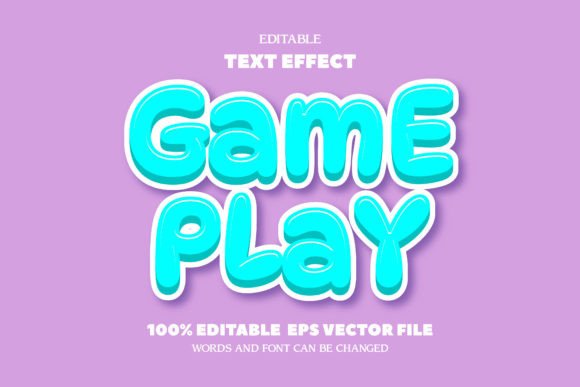
Pixel Game Text: Editable Font Effect for Retro Designs
Finding a design asset that captures a specific retro aesthetic without locking you into a rigid template can be a challenge. Many of us have experienced the frustration of downloading a cool text effect, only to realize we cannot change the wording or the typeface without breaking the effect. The Pixel Game Text - Editable Font Effect solves this common workflow bottleneck. It offers a distinct, nostalgic visual style while maintaining the flexibility required for modern branding and content creation.
The Aesthetic of the Pixel Game Text Effect
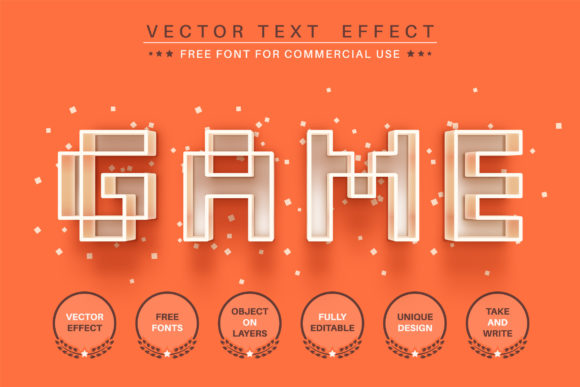
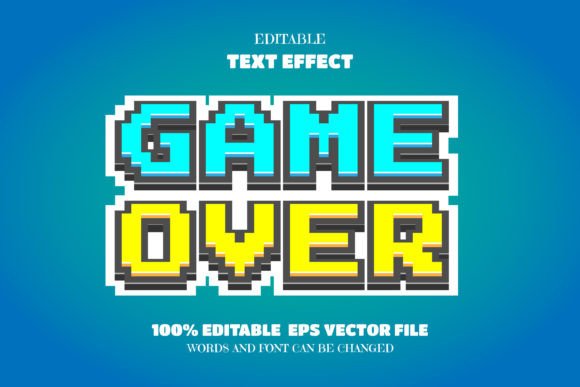
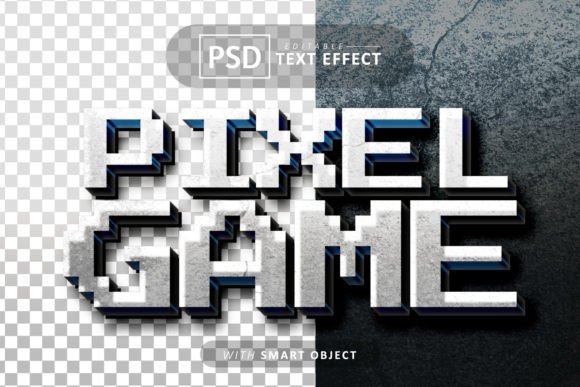
At its core, the Pixel Game Text - Editable Font Effect channels the spirit of 8-bit and 16-bit gaming eras. It is not just a simple font; it is a comprehensive visual treatment. The style relies on sharp, blocky edges and textured surfaces that mimic the CRT screen glow and sprite-based graphics of classic consoles. This creates an immediate sense of familiarity for anyone who grew up with early video games, but it also appeals to younger audiences drawn to the "retro-futuristic" trend.
The personality of this effect is bold, energetic, and slightly gritty. It avoids the polish of modern minimalism in favor of character and texture. When applied, the text appears tangible, often looking as if it has been rendered in plastic or metal, much like the logo treatments seen in arcade cabinets. This tactile quality makes it a standout display font option for headlines where you need to grab attention instantly. Unlike a standard serif font or sans serif font, this effect adds depth and dimension, making the typography a central visual element rather than just a vessel for information.
Strategic Applications for Branding and Marketing
Understanding where to deploy a specialized asset like the Pixel Game Text - Editable Font Effect is key to its success. This template is incredibly versatile for specific niches. If you are working on logo design for a tech startup, a gaming channel, or a retro-themed café, this effect provides an instant visual hook. It signals that the brand is fun, approachable, and perhaps a bit nostalgic.
Beyond logos, consider the impact on social media graphics. Platforms like Instagram and TikTok are visually crowded. A post featuring the Pixel Game Text effect stands out in a feed because it breaks the pattern of standard sans-serif text overlays. It works exceptionally well for announcements, sale banners, and event posters. The visual hierarchy is naturally established because the text commands the viewer's gaze first, allowing you to build the rest of your layout around it.
For packaging design, particularly in the food and beverage industry or for children's toys, this effect adds a playful, high-quality touch. It suggests that the product inside is fun and engaging. Similarly, in editorial design, such as magazine covers or blog post headers for gaming and tech publications, using this effect signals the genre of the content immediately. It helps in brand identity by creating a consistent look that audiences can recognize across different platforms.
Technical Flexibility: The Power of Smart Objects
The true value of the Pixel Game Text - Editable Font Effect lies in its technical construction. Created as a PSD file utilizing Smart Objects, it is 100% editable. This is a massive time-saver. You do not need to be a Photoshop expert to use it. The process is straightforward: you double-click the Smart Object layer, type your own text, change the font if you wish, save, and the effect updates automatically on your main canvas.
This flexibility allows for rapid prototyping. You can test different taglines or brand names in seconds. The layers are well-organized, meaning if you are an advanced user, you can tweak the lighting, shadows, and texture colors to match your specific brand identity palette. Because the files are high quality, you can resize them for large format printing, such as banners or posters, without losing sharpness. This scalability is crucial for maintaining a professional appearance across both digital and print media.
Practical Guidance for Designers and Creators
When incorporating the Pixel Game Text - Editable Font Effect into your projects, keep a few practical considerations in mind. First, think about font pairing. Because the pixel effect is highly decorative, it pairs best with clean, legible body text. A simple geometric sans serif font or a clean serif font works well to balance the visual weight of the headline. Avoid pairing it with other script fonts or handwritten fonts, as this can create visual clutter.
Second, consider readability. While the effect is striking, it is best used for short bursts of text—headlines, titles, and logos. Using it for long paragraphs would likely fatigue the reader's eyes. The "pixel" nature of the design requires a certain distance to be fully appreciated, making it ideal for large displays.
Finally, always check the licensing. The inclusion of commercial use fonts within the package is a significant benefit, allowing you to use the final designs for client work or merchandise without legal headaches. This makes the Pixel Game Text - Editable Font Effect a reliable addition to any designer's toolkit. It bridges the gap between a unique creative font and a functional, professional design asset.
By leveraging this template, you can inject personality into your projects, ensuring your designs are not only seen but remembered. Whether for a personal hobby or a commercial campaign, this effect provides the perfect blend of retro charm and modern usability.